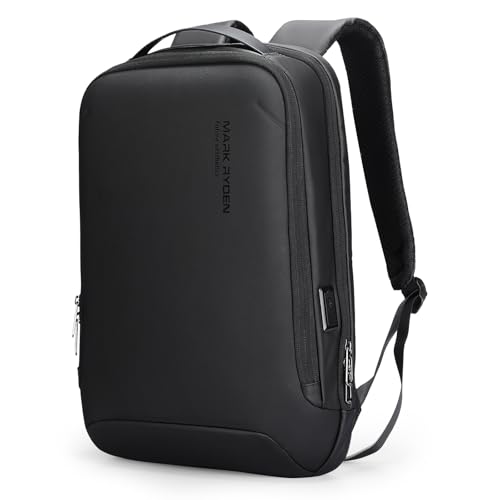
Inspect what the shell actually covers
Look at the front, sides and opening to understand where the rigid construction sits. Then review the padding and how the laptop is held inside. A hard exterior and a protected device compartment are related but separate considerations; the title alone does not establish a tested drop rating or protection for everything in the bag.
Check the fit of non-flat belongings
Headphones, a charger and other accessories may ask for space differently from a laptop. Use the interior photographs to judge their placement and the room available around the shell. Verify your device’s complete dimensions for the 15.6-inch category, and match the selected design rather than relying on a generic hard-shell product name.