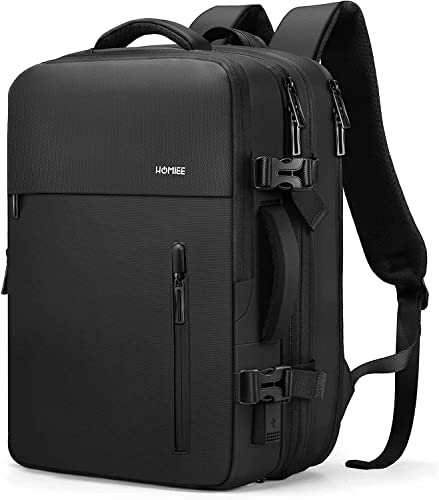
17-inch laptop thickness and sleeve fit
Compare the device's width, depth and thickness with the usable computer compartment, including any shell or sleeve. A 17-inch screen claim cannot distinguish a thin laptop from a much bulkier machine. Look at the opening too, since inserting a close-fitting device should not depend on forcing corners through a zipper.
Charger and lunch space in a slim bag
List what accompanies the laptop on a normal workday and identify the largest non-computer object. A lunch container or charger brick may determine how slim the loaded bag remains. If your routine frequently includes extra clothing, compare a roomier layout instead of expecting the slim designation to accommodate every possible load.