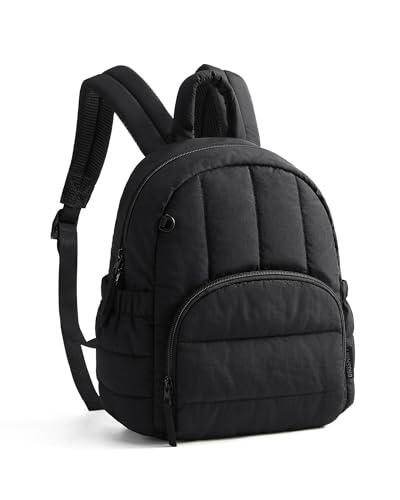
Organize around the timetable
If you change classrooms frequently, prioritize removing one notebook without unpacking the computer. If most study happens in one place, an open main compartment may matter more than elaborate pocketing. Look at interior photographs with your own timetable in mind, and assign a purpose to each pocket you expect to use.
Check the whole load after the laptop
A computer can fit while its charger, lunch box and binder make the backpack awkward. Try those items together, including any protective sleeve. Before comparing prices with another BAGSMART listing, match the selected model and features; color-only options should not become separate product choices in your final purchasing shortlist.